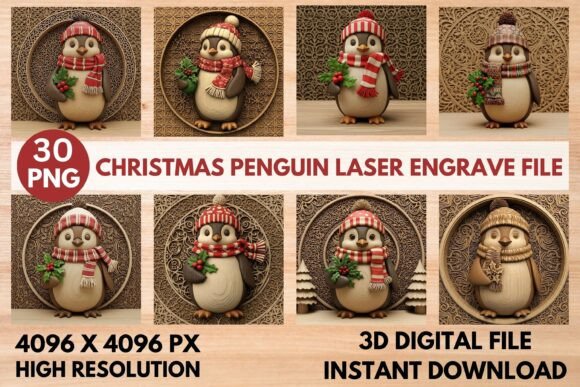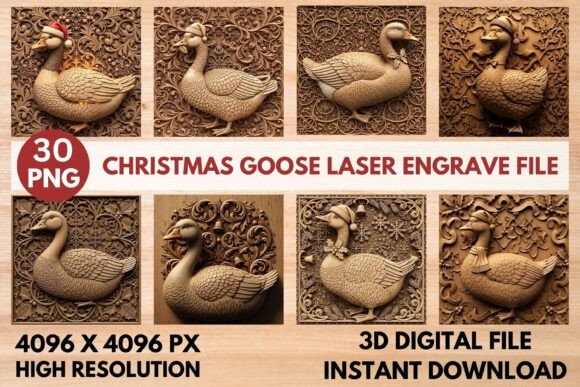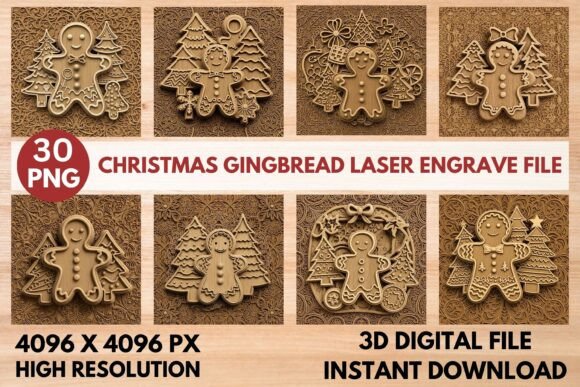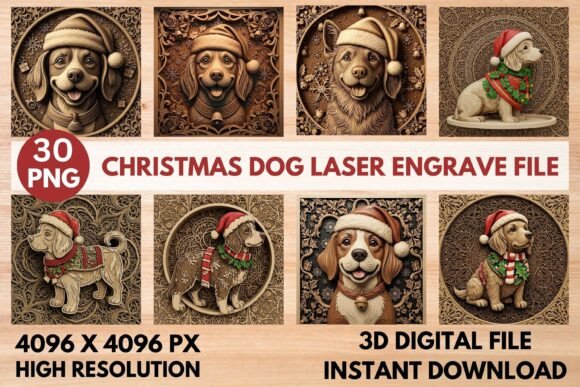
Transform Your Holiday Crafting with 3D Christmas Gnome Laser Engrave Files
The holiday season is a time for creativity, warmth, and bringing a touch of whimsical magic into our homes. For crafters, woodworkers, and laser enthusiasts, this festive period offers a unique opportunity to create personalized gifts and decor that stand out from the mass-produced items found on store shelves. At the heart of this trend lies a specific digital asset: 3D Christmas Gnome Laser Engrave Files. These files are not merely images; they are precision-engineered blueprints designed to transform flat wood into rich, dimensional art pieces.
This article explores how these premium bundles work, why they have become essential tools for modern makers, and how you can utilize them to create stunning seasonal decorations using popular machines like Glowforge, xTool, and various CNC routers.
Understanding the Magic Behind 3D Relief Files
To truly appreciate the value of these files, one must first understand the concept of 3D relief engraving. Unlike standard laser engraving, which often creates a two-dimensional mark or a shallow etch on the surface of a material, 3D relief carving removes varying depths of material to create a sculptural effect. This process mimics the look of traditional hand-carved wood, adding texture, shadow, and depth to your designs.
When you purchase a bundle of 3D Christmas Gnome files, you are acquiring a sophisticated set of instructions for your machine. The technology relies on grayscale relief maps (also known as depth maps). In these images, the brightness of each pixel corresponds to the depth of the cut. White areas represent the highest points of the design (the surface), while black areas indicate the deepest cuts. By interpreting this grayscale data, your laser cutter or CNC router knows exactly how much material to remove at every point, resulting in a realistic, three-dimensional gnome with flowing beards, textured hats, and intricate winter backgrounds.
What's Inside This Premium Collection?
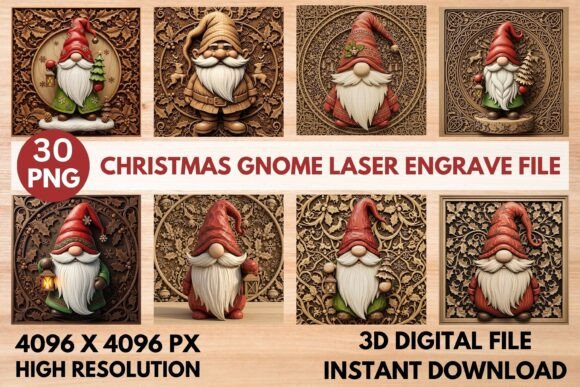
This curated bundle is meticulously calibrated to ensure high-quality results across different projects. It contains a total of 30 high-resolution PNG files, divided into two distinct categories that serve different purposes in your workflow.
- Color PNGs (15 Unique Designs): These full-color files showcase the final artistic vision. They feature charming gnomes adorned with long, detailed beards and festive hats, often surrounded by classic winter motifs such as snowflakes, Christmas trees, and cozy cabins. These files are perfect for creating visual mockups, promotional imagery for your shop, or even for full-color printing if you are using hybrid machines.
- Grayscale PNGs (15 Depth Maps): These are the technical heart of the operation. Without these corresponding grayscale maps, achieving a true 3D effect is nearly impossible. They guide your laser software to carve the specific contours required for the "realistic, deep wood-carving style" mentioned in the product description. They ensure that the gnome's beard looks soft and voluminous, while the hat brim has a crisp, defined edge.
Every file in this collection is rendered at a massive 4096 x 4096 pixels. This high resolution is critical because it ensures exceptional detail and sharpness, regardless of the scale of your project. Whether you are carving a small ornament or a large wall sign, the fine lines of the gnome's facial features and the texture of the wood grain will remain crisp and clear.
Compatibility and Software Integration
One of the most significant advantages of this file set is its versatility. The non-transparent PNG format ensures broad compatibility, allowing you to import these designs directly into the software ecosystems of the world's most popular laser cutting and engraving machines.
If you own a Glowforge, these files integrate seamlessly with their cloud-based interface, allowing you to adjust power and speed settings easily to achieve the desired depth. Similarly, xTool users can leverage the XCS software to map the grayscale values precisely to the Z-axis movement of their machine. For those who prefer open-source solutions, LightBurn offers robust support for handling complex relief maps, providing advanced controls for multi-pass carving to refine the texture further.
CNC router users are also well-served by this collection. The high-resolution data allows for precise toolpath generation, ensuring that the bit follows the intended contours without jagged edges. The result is a professional finish that rivals expensive, factory-made decor.
Practical Applications for Makers and Businesses
The utility of 3D Christmas Gnome files extends far beyond simple hobbyist projects. Their significance in modern life spans several sectors, including home decor, small business entrepreneurship, and educational creativity.
Creating Unique Seasonal Decor
Homeowners looking to add a personal touch to their living spaces can use these files to create custom signs, wall hangings, and table centerpieces. Imagine a large wooden plaque featuring a family of gnomes gathered around a fire, carved deeply into oak or maple. The contrast between the dark, recessed background and the lighter, raised figures creates a dramatic visual impact that standard painting cannot replicate.
Boosting Small Business Revenue
For Etsy sellers and local artisans, efficiency and quality are paramount. Using pre-optimized 3D relief files allows makers to produce consistent, high-quality products rapidly. Instead of spending hours manually designing depth maps, creators can focus on finishing touches, packaging, and marketing. The ability to produce "handcrafted" looking items at scale helps businesses meet the surge in demand during the holiday season without compromising on the artisanal feel that customers crave.
Educational and Creative Projects
In an educational setting, these files serve as excellent teaching tools for understanding vector graphics, raster imaging, and subtractive manufacturing. Students can learn how digital data translates into physical objects, exploring concepts of depth, texture, and material science. It bridges the gap between computer literacy and tangible craftsmanship.
Common Misunderstandings About 3D Laser Carving
Despite the growing popularity of laser engraving, there are still misconceptions about what is possible with this technology. A common assumption is that any image can be turned into a 3D carving simply by adjusting the laser power. However, this is rarely the case. Without a dedicated depth map, the laser treats the image as a flat graphic, resulting in a uniform etch rather than a sculpted relief.
Another frequent misunderstanding involves the type of material used. While these files are optimized for wood, beginners sometimes attempt to use them on acrylic or metal, expecting similar results. The depth map relies on the material's ability to absorb energy and vaporize at different rates. Wood is ideal because it layers naturally, but other materials require specific adjustments to the file processing or may not yield the same "wood-carving" aesthetic.
Furthermore, some users believe that higher resolution always equals better results. While 4096x4096 is excellent, the success of the project also depends on the machine's accuracy and the operator's skill in setting up the passes. The file provides the roadmap, but the machine and the operator determine the journey.
How to Get Started with Your Gnome Bundle
Ready to bring these enchanting characters to life? Here is a quick guide to integrating these files into your workflow:
- Select Your Material: Choose a hardwood or plywood with a smooth surface for the best contrast and detail.
- Import the Grayscale Map: Load the grayscale PNG into your laser software (LightBurn, xTool Creative Space, etc.). Ensure the color mode is set to grayscale so the software interprets the brightness correctly.
- Configure Your Settings: Set up a multi-pass engraving strategy. The first pass might be a light outline, followed by deeper passes that build the volume of the beard and hat.
- Test Run: Always perform a test run on a scrap piece of wood to calibrate your power and speed settings before committing to your final project.
- Finish and Display: Once carved, clean off any dust, apply a clear coat or stain to enhance the wood grain, and display your masterpiece.
Conclusion
The 3D Christmas Gnome Laser Engrave File bundle represents the perfect intersection of digital innovation and traditional craftsmanship. By providing 30 high-resolution files, including both vibrant color mockups and essential grayscale depth maps, this collection empowers makers of all levels to create professional-grade holiday decor. Whether you are enhancing your home with whimsical gnomes, expanding your small business inventory, or teaching the next generation of makers, these files offer the tools necessary to turn imagination into reality.
With their compatibility across major platforms like Glowforge, xTool, and LightBurn, and their ability to render realistic wood textures, these files are more than just a download—they are a gateway to a new era of holiday creativity. Embrace the magic of 3D relief carving and let your laser cutter weave a story of festive joy onto wood this year.